
Live Chat
Direct conversations with website visitors and transfer to an operator when needed.
Request a custom implementation quote.
SupportDesk centralizes customer requests and team tools in one application.
Direct conversations with website visitors and transfer to an operator when needed.
Tickets with status, priority, category, SLA and history for tracking every request.
A manageable knowledge base for fast answers and reusable information.
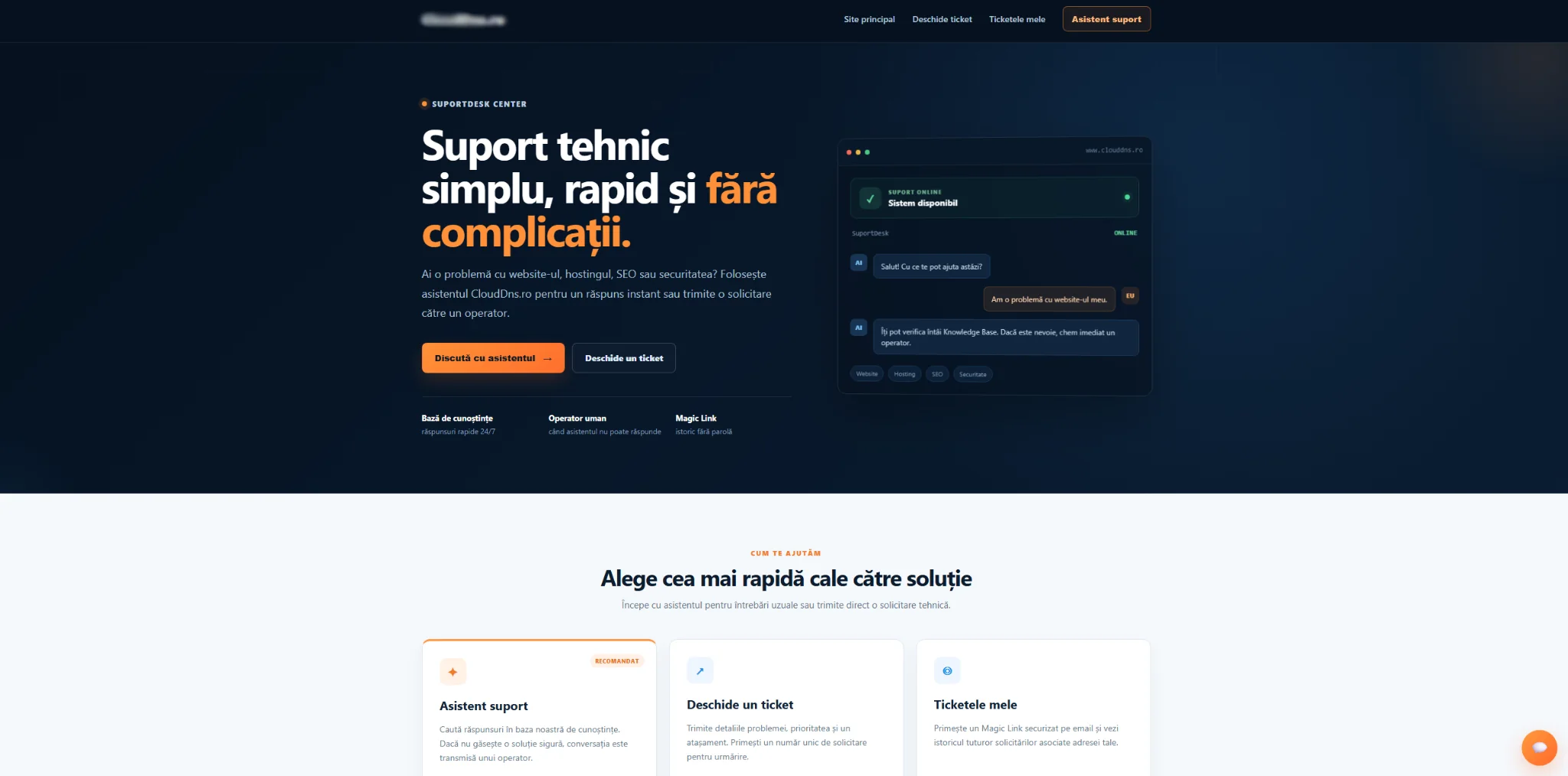
A dedicated public interface for the assistant, opening tickets and tracking requests.
Operators, users, departments, predefined responses and working hours.
Support, performance, activity, resolution and knowledge base usage metrics.
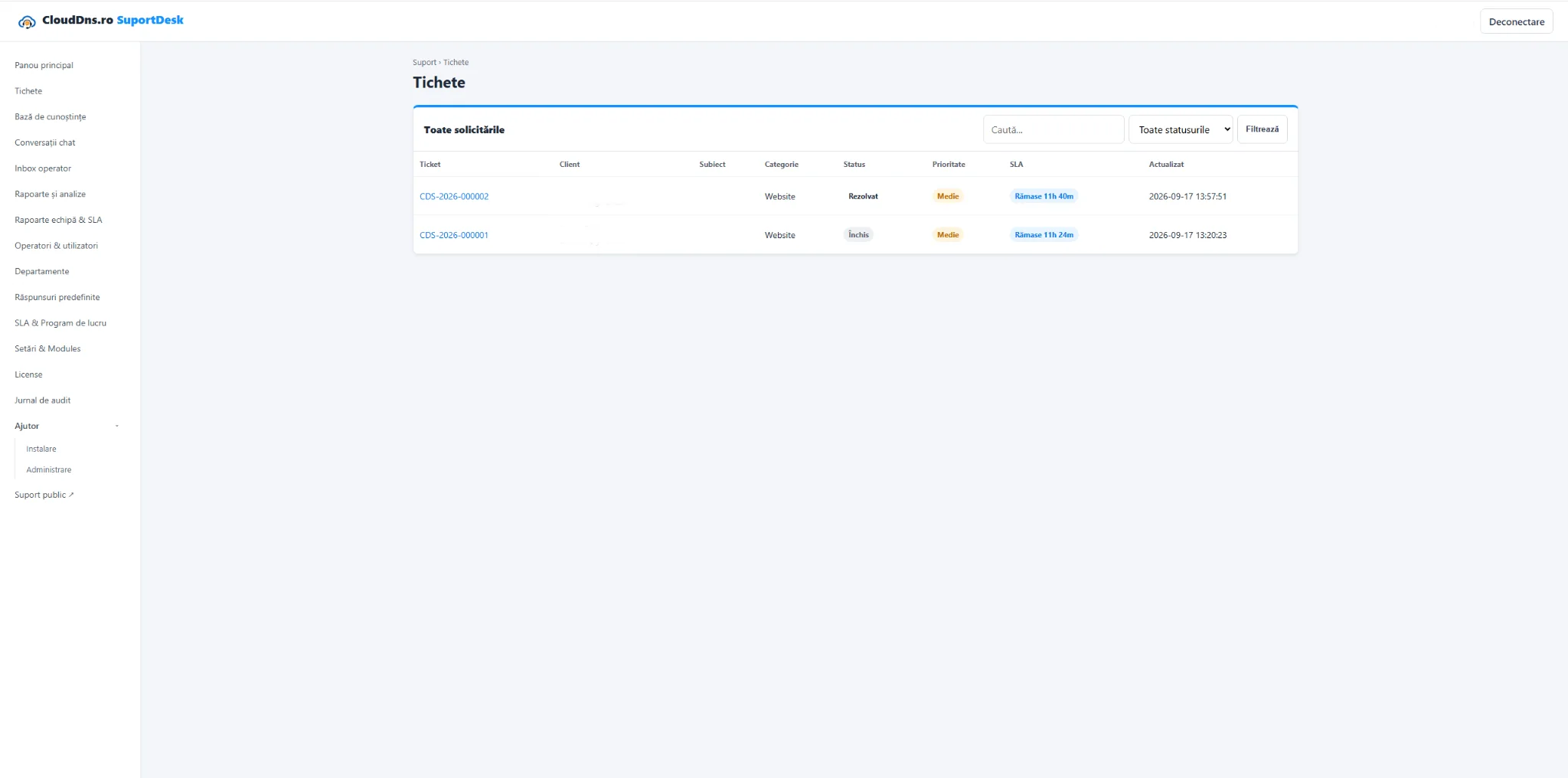
A centralized ticket list lets you filter and track requests by status, priority and SLA.
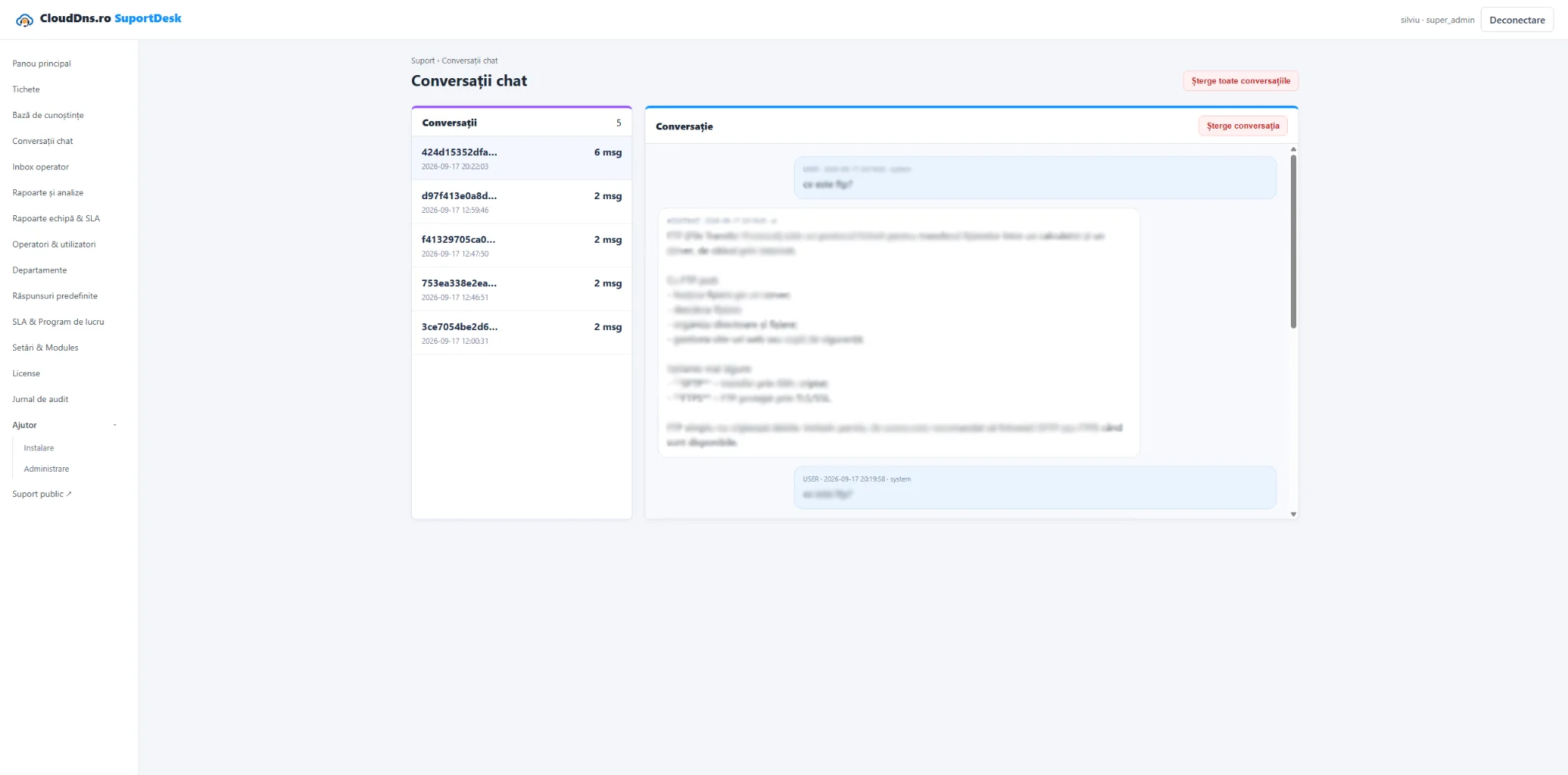
Conversation history can be tracked from the administration area, with messages organized by session.
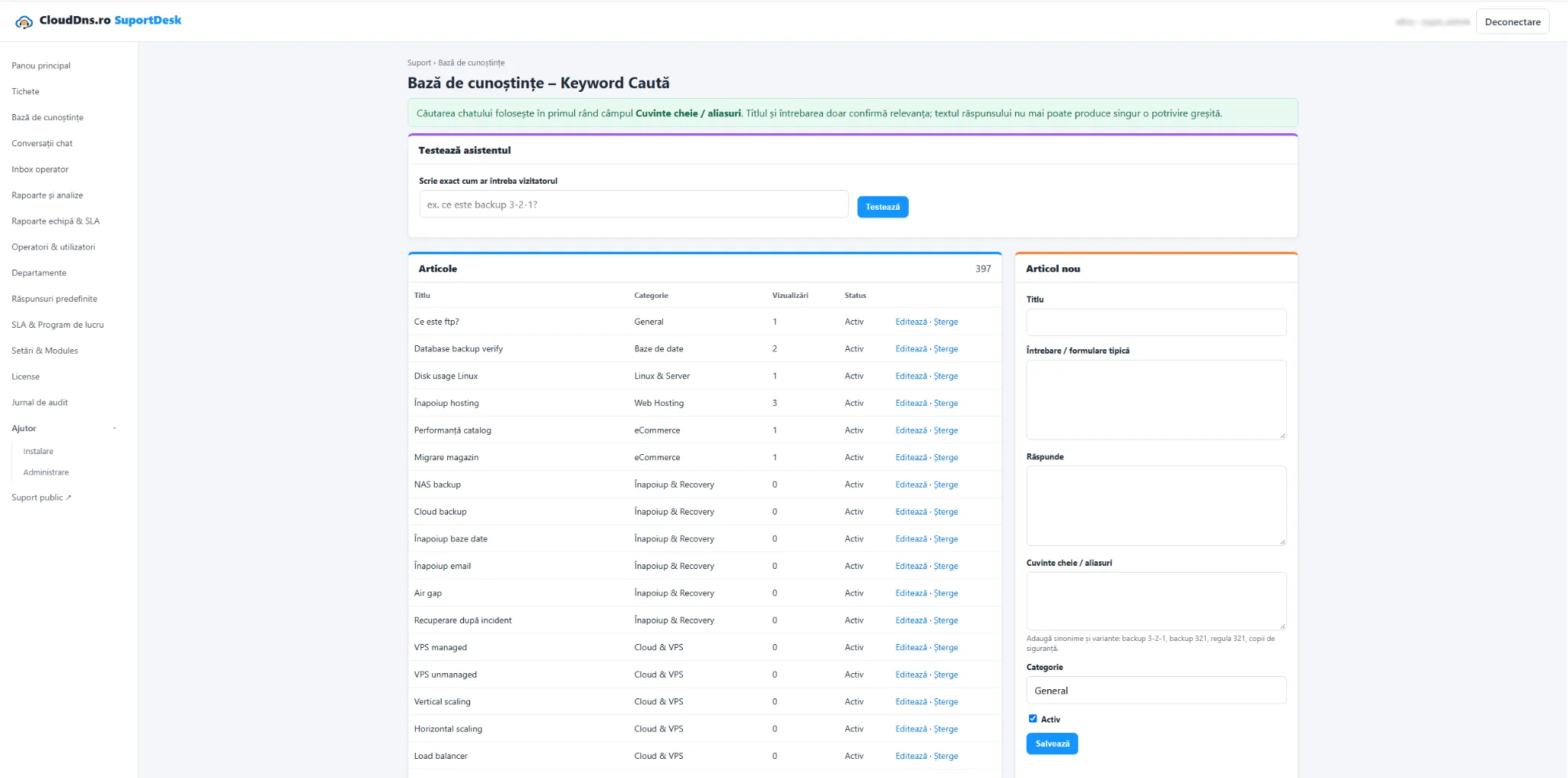
Manage articles, categories, common questions and keywords to build a support knowledge base tailored to your company.
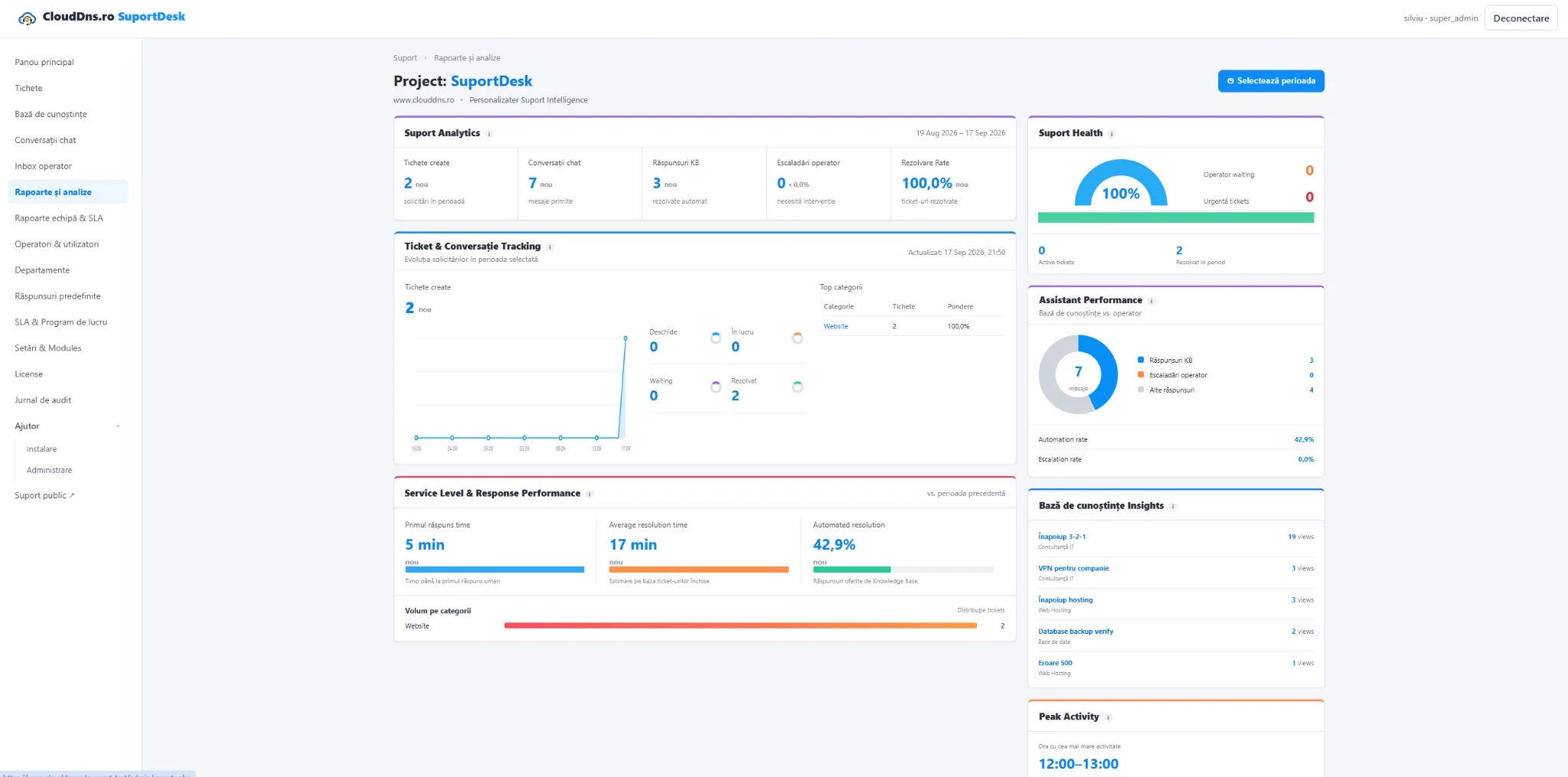
The dashboard and reports bring together key support metrics in an easy-to-follow presentation.
The customer has a dedicated interface to talk with the assistant, open a request and track existing tickets.
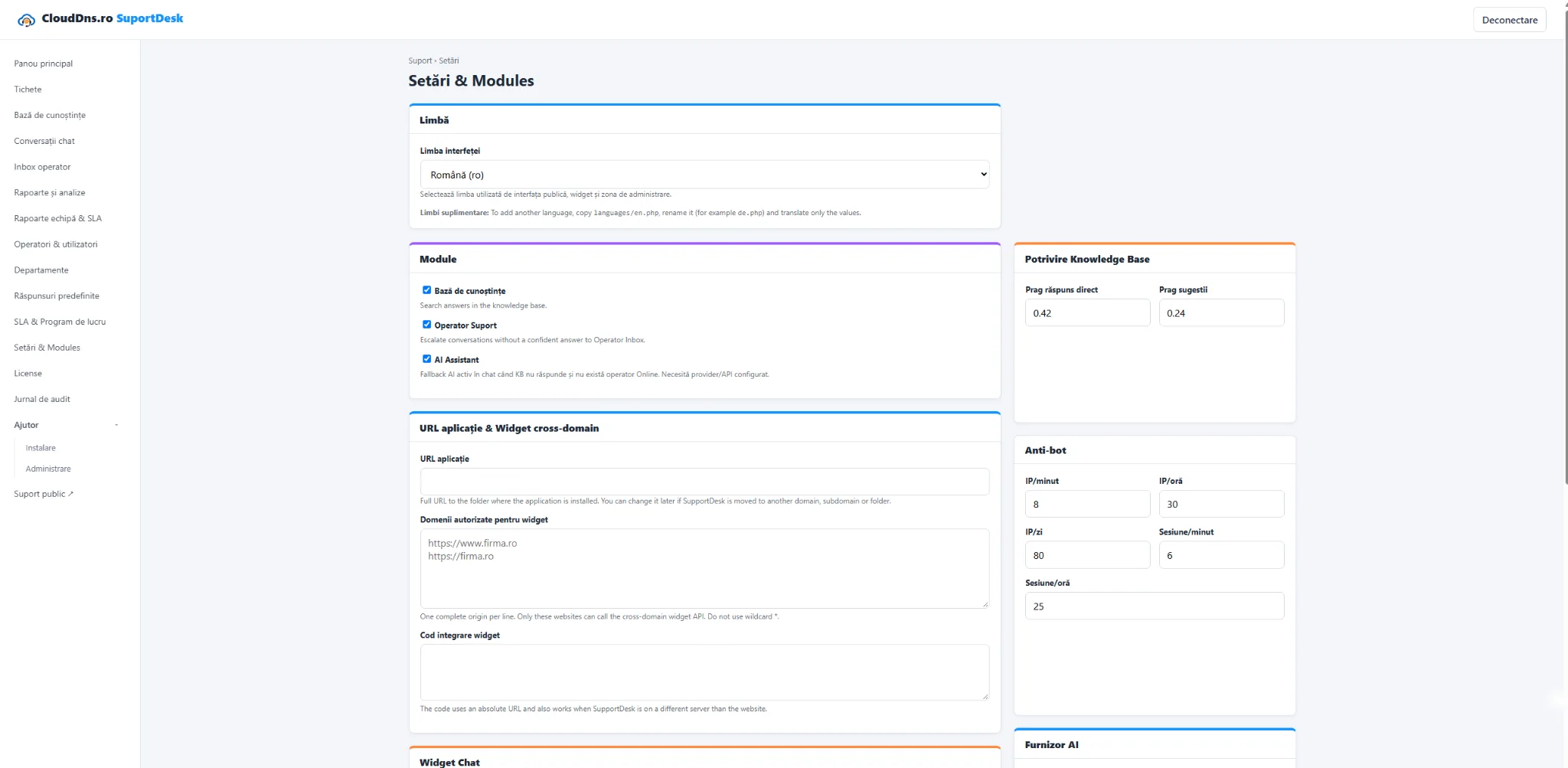
You configure modules and widget integration from the administration area. The data and application remain in infrastructure you control.
We can discuss installation, configuration, licensing and adaptation to your support workflow.